

01A clean setup
One key. One fishing add-on.
Use a one-key fishing add-on so the same key can cast your line and hook a bite. FishMate is the add-on used in our setup guide.
- Choose your fishing key
Set the cast-and-hook key in your add-on. Use a single key without Ctrl, Alt, or Shift.
- Match it in Fish Listener
Open the app settings and choose the same fishing key. For example, F in the add-on and F in Fish Listener.
- Check one complete catch
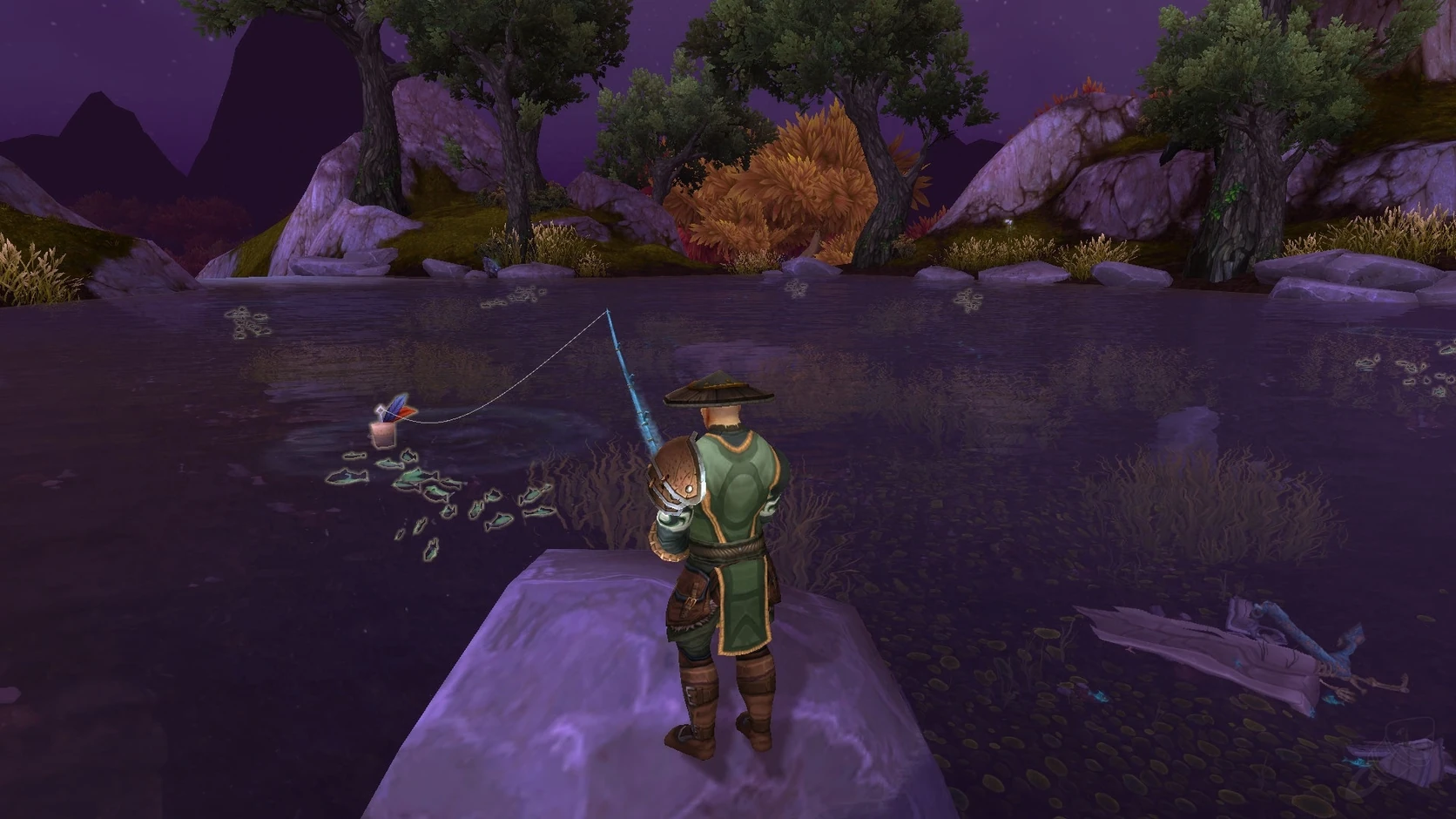
Before starting the app, confirm that this key casts, hooks a bite, and lets you cast again in WoW.
Already using Fishing Buddy or another add-on?
Check that your version supports both casting and hooking with the same keyboard key. Add-on features vary by WoW version; a cast-only macro or a mouse-only fishing shortcut is not the same setup. Use the manual catch check above before starting Fish Listener.
The same key, in both places
F is an example. Use your chosen key.